8.1 | What Does an Editor Do?
Key Terms
- Editorial Judgment
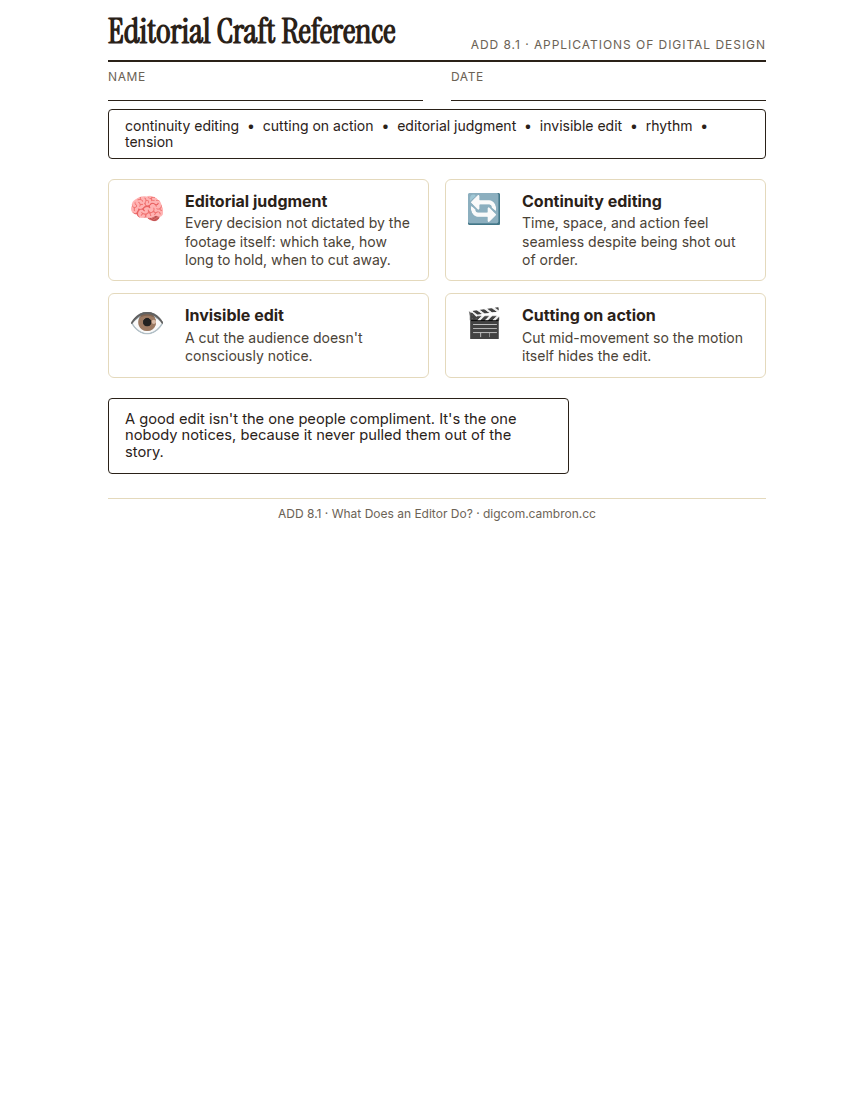
- The set of decisions an editor makes that aren’t dictated by the footage itself. which take, which angle, how long to hold a shot, when to cut away. The difference between assembling clips and actually editing.
- Continuity Editing
- Cutting so that time, space, and action feel seamless and logical to a viewer, even though the footage was shot out of order and from multiple angles.
- Invisible Edit
- A cut a viewer doesn’t consciously notice, because it follows the action or the eye naturally (cutting on movement, matching an eyeline). The goal of most narrative editing.
- Cutting on Action
- Making a cut in the middle of a movement (a door closing, a hand reaching) instead of before or after it, so the motion itself hides the edit.
- Rhythm
- The felt pace of a sequence created by shot length, the space between cuts, and how those lengths change over time. Editing rhythm is closer to music than to writing.
- Tension
- The sense of anticipation or unresolved energy a sequence builds, often through shortening shot length, withholding information, or cutting away at the wrong (right) moment.
Anyone can drag clips onto a timeline in order. Editing is the judgment calls underneath that. which take, how long to hold it, and when to cut away, decisions the raw footage doesn’t make for you.
Direct Instruction (~10 min)
Complete the handout, three hole punch it, and keep it in your class binder.
⬇ Download Worksheet (PDF)Editorial judgment is every decision that isn’t dictated by the footage itself: which of five takes of the same line, whether to hold a reaction shot half a second longer, when to cut away from the speaker to show what they’re reacting to. Continuity editing keeps time, space, and action feeling seamless even though the footage was shot out of order from multiple angles. The invisible edit is the goal most of the time: a cut the audience doesn’t consciously notice, often by cutting on action, making the cut mid-movement so the motion itself hides it.
“A good edit isn’t the one people compliment. It’s the one nobody notices, because it never pulled them out of the story to think about the editing at all.”
Scaffolded questions. Cold-call through all three:
Recall: “What’s the difference between assembling clips and editing them?”
Analysis: “Why does cutting in the middle of a movement, instead of before or after it, make a cut harder to notice?”
Synthesis/Extension: “You have two equally good takes of the same line. What besides performance quality might decide which one you use?”
Guided Practice (~23 min)
- Open the provided raw-takes folder for one short scene, multiple angles, multiple takes.
- Build a first cut, choosing takes and cut points deliberately, not just in the order they’re numbered.
- Check continuity: does position, prop placement, and action match across every cut?
- Try one cut on action: find a movement in the scene and cut in the middle of it instead of before or after.
- Turn and Talk: defend your trickiest cut choice to a partner before finalizing.
Which cut in your scene took the most judgment to make, and what did you base the decision on?
GMetrix/BrainBuffet (~30 min)
Continue this term’s Premiere Pro GMetrix module.
Exit Ticket / Wrap-Up (~5 min)
🗂 Organize: Put your guided notes in your binder. Save your re-cut scene and cut-choice justification in the Project Files folder of your Digital Design project folder on Google Drive.
📤 Exit Ticket: Stoplight. In the discussion board below, let us know how you’re doing: G (green: I’ve got this, ready to move on), Y (yellow: I mostly get it, still have a question), or R (red: I’m stuck, I need help). Then explain your rating in at least 3 sentences (aim for 5): what specifically about today’s skill makes you feel that way, and, if you’re yellow or red, what your actual question is.
Stuck on how to start? Try: “I picked ___ because ___. Specifically, when I tried to ___, I ___. One thing that would help is ___.”