1.2 | Topic Selection & Design Brief
Key Terms
- Client Goals
- The outcomes a client wants a video to achieve: informing, persuading, entertaining, or building their brand. Those goals shape every creative decision on the project.
- Target Audience
- The specific group of viewers a video is made for. Understanding who they are shapes a video’s tone, pacing, and content choices.
- Demographics
- Measurable characteristics of a target audience, age, location, education, interests, used to describe and understand who a video is being made for.
For this project, imagine you’re being asked to create an original explainer video for an educational YouTube channel. On a topic you’re an expert on. Your final video must include an introduction and a conclusion, use voice-over throughout to keep viewers engaged, and run 1–3 minutes.
Opening Discussion
As a class, discuss popular explainer videos you’ve seen. Watch a couple of examples together, then discuss:
- What is each video doing effectively?
- What could be improved?
- What topics do you think work well for an explainer video, and why?
Part 1 | Guided Notes: Client Goals & Target Audience (~12 min)
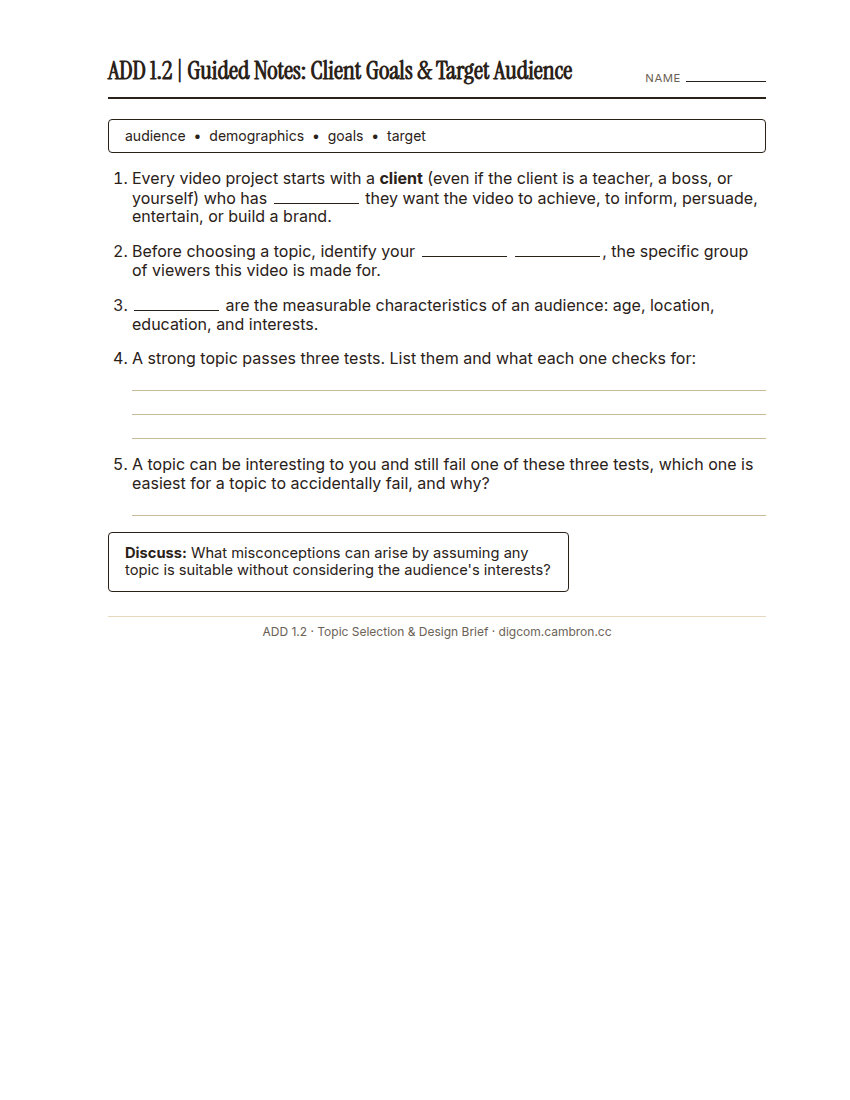
Complete the handout, three hole punch it, and keep it in your class binder.
⬇ Download Worksheet (PDF)Every project, even a school project, has a client with goals, and a target audience with its own demographics. Before you pick a topic, you need to know who you’re making this video for.
A strong topic passes three tests:
- Relevance: connects to your audience’s interests or the assignment’s purpose. Does it fulfill your design brief’s criteria? Does it connect to something current or meaningful?
- Clarity: sets specific boundaries and avoids vagueness. Is a broad idea narrowed down into something focused and easy to understand?
- Engagement: captures attention and provokes curiosity. Is it something surprising, debatable, or personally meaningful?
What misconceptions can arise from assuming any topic is suitable without considering the audience’s interests?
Part 2 | Topic Brainstorm & Design Brief (~48 min)
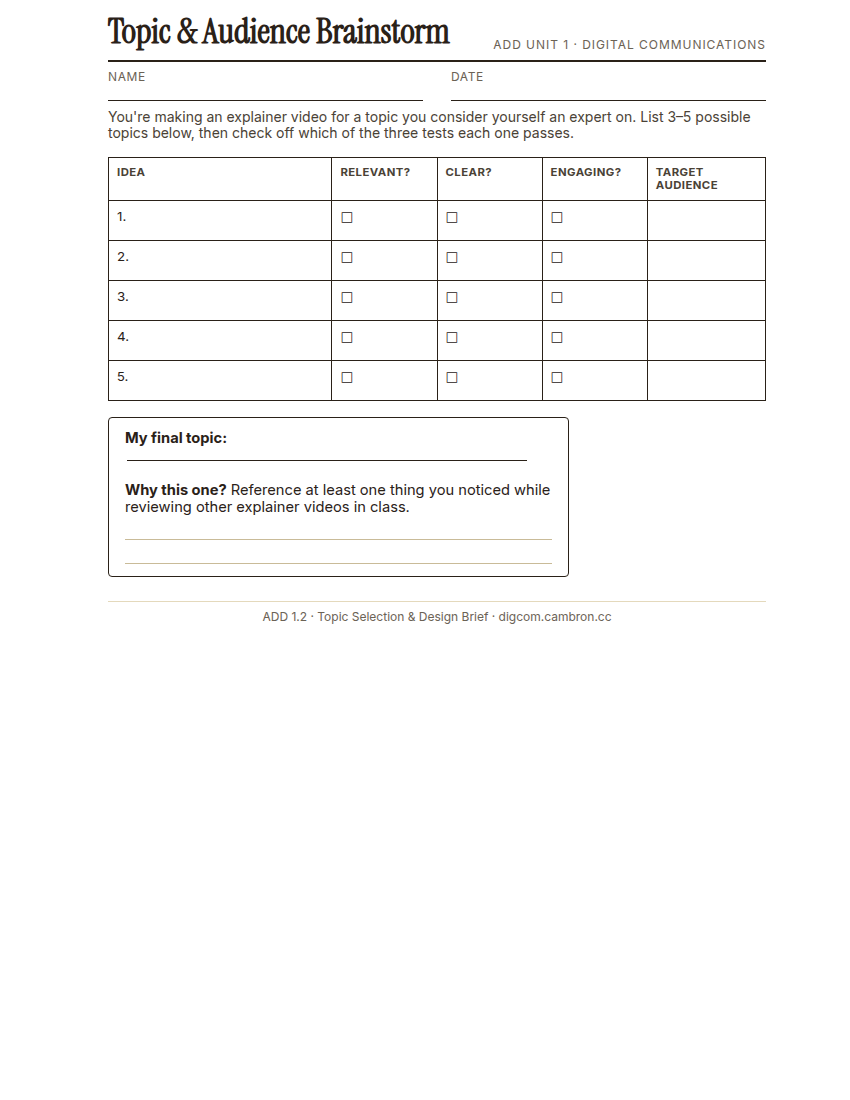
Complete the handout, three hole punch it, and keep it in your class binder.
⬇ Download Worksheet (PDF)- Brainstorm (~10 min): list 3–5 possible topics. Things you genuinely consider yourself an expert on. For each, check whether it passes Relevance, Clarity, and Engagement, and note who its target audience would be.
- Select (~2 min): circle your strongest topic. Ask a neighbor if you’re not sure. A second opinion helps.
- Design Brief (~36 min): complete a full design brief for your chosen topic. Use the sample below as your reference format, then fill out your own on the worksheet.
Design Brief - Sample
| Client | (Who is asking you to make this?) |
| Target Consumer | (Who is this video targeted for?) |
| Director | (Who are you?) |
| Opportunity Statement | Your production company has the opportunity to differentiate itself by becoming the leading Youtube creator on a topic of your expertise. |
| Design Statement | (What is your solution to the problem?) |
| Criteria | The video must:
|
| Constraints |
|
| Deliverables |
|
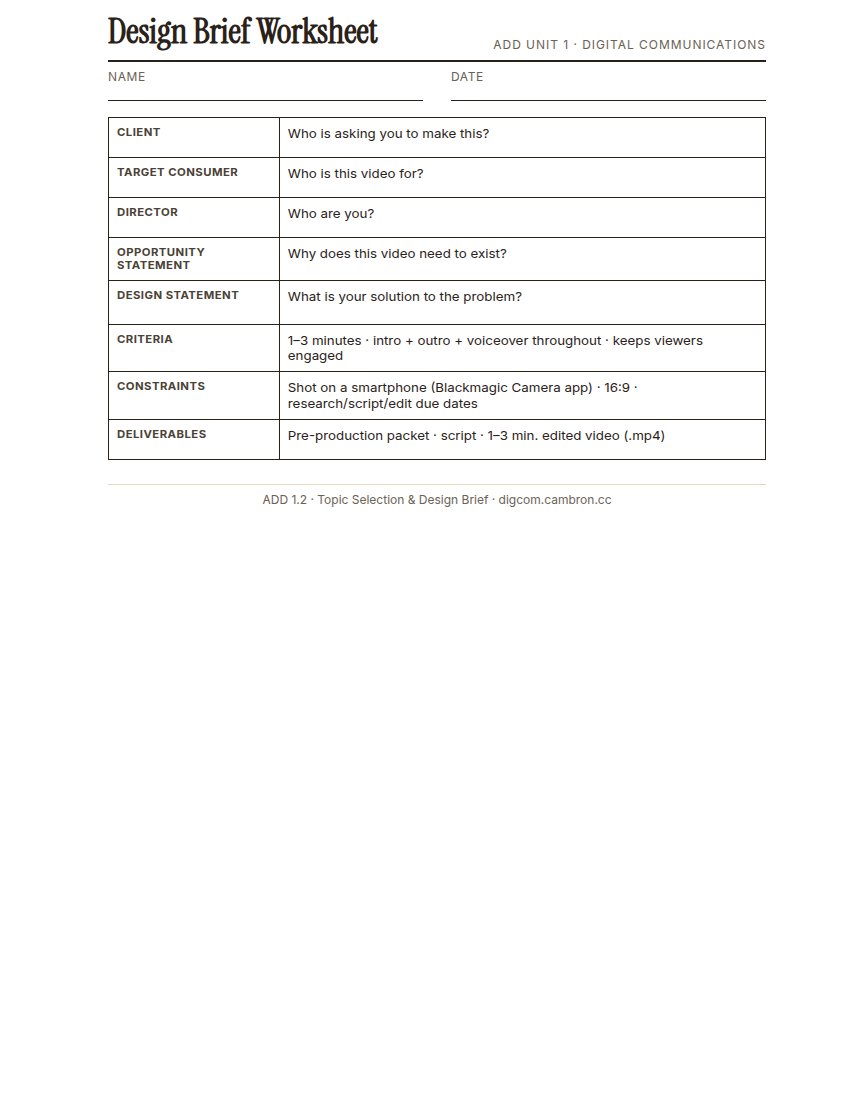
Complete the handout, three hole punch it, and keep it in your class binder.
⬇ Download Worksheet (PDF)Wrap-Up (~8 min)
Which of the three tests, Relevance, Clarity, or Engagement, was hardest for your topic to satisfy? How did you fix it?
🗂 Organize: Put your guided notes, your Topic & Audience Brainstorm worksheet, and your completed Design Brief in your binder.
📤 Exit Ticket: Glow & Grow. On a scrap of paper, write about today’s work in at least 3 sentences (aim for 5): describe one Glow (something that went well) and one Grow (one thing you’d do differently or improve next time), explaining each with real detail, not just a phrase.
Stuck on how to start? Try: “My Glow today was ___, because ___. My Grow is ___. Next time I’ll try ___.”