1.1 | Line Assignment
Key Terms
- Design Industry
- The field of visual communication. Publishing, branding/advertising, information design, motion graphics, exhibition/packaging, wayfinding, UX, and interaction design. That shapes how messages, products, and experiences reach people.
- Idea
- A thought or suggestion as to a possible course of action; a concept or mental impression; the aim or purpose.
- Abstract
- Existing in thought or as an idea but not having a physical or concrete existence. The opposite of representational.
- Representational
- Relating to or characterized by depiction of the physical appearance of things.
- Ambiguity
- Uncertainness of meaning. In design, this allows an image to be read more than one way.
- Format
- The layout of a design. The surface area a composition is created in and its boundaries, such as the size of a business card or brochure.
- Composition
- A complete work of art or design, seen in total, not as individual visual elements.
- Thumbnail Sketch
- A small, quick sketch. A fast way to generate many ideas.
- Rough Sketch
- A mid-stage development of a graphic idea, more developed than a thumbnail, often shown to a client for approval.
- Comprehensive Design (“Comp”)
- The final, neatly executed rendering of a graphic idea. Short for “comprehensive.”
- Ubiquitous
- Present, appearing, or found everywhere.
- Line
- An identifiable path created by a point moving in space. One-dimensional, and can vary in width, direction, and length. Lines often define the edges of a shape, and can be horizontal, vertical, or diagonal, straight or curved, thick or thin.
- Shape
- The form of an object or its external boundary, outline, or external surface, as opposed to other properties such as color or texture.
- Texture
- An interwoven pattern of light and dark tones that imparts a physical quality to a surface. Rough, smooth, etc.
“Design is not just what it looks like and feels like. Design is how it works.” (Steve Jobs)
This is the first of four element assignments (Line, Shape, Texture, Color). On the project day you’ll pick your strongest one to recreate in Adobe Illustrator.
Part 1 | Guided Notes: What is Design? (~12 min)
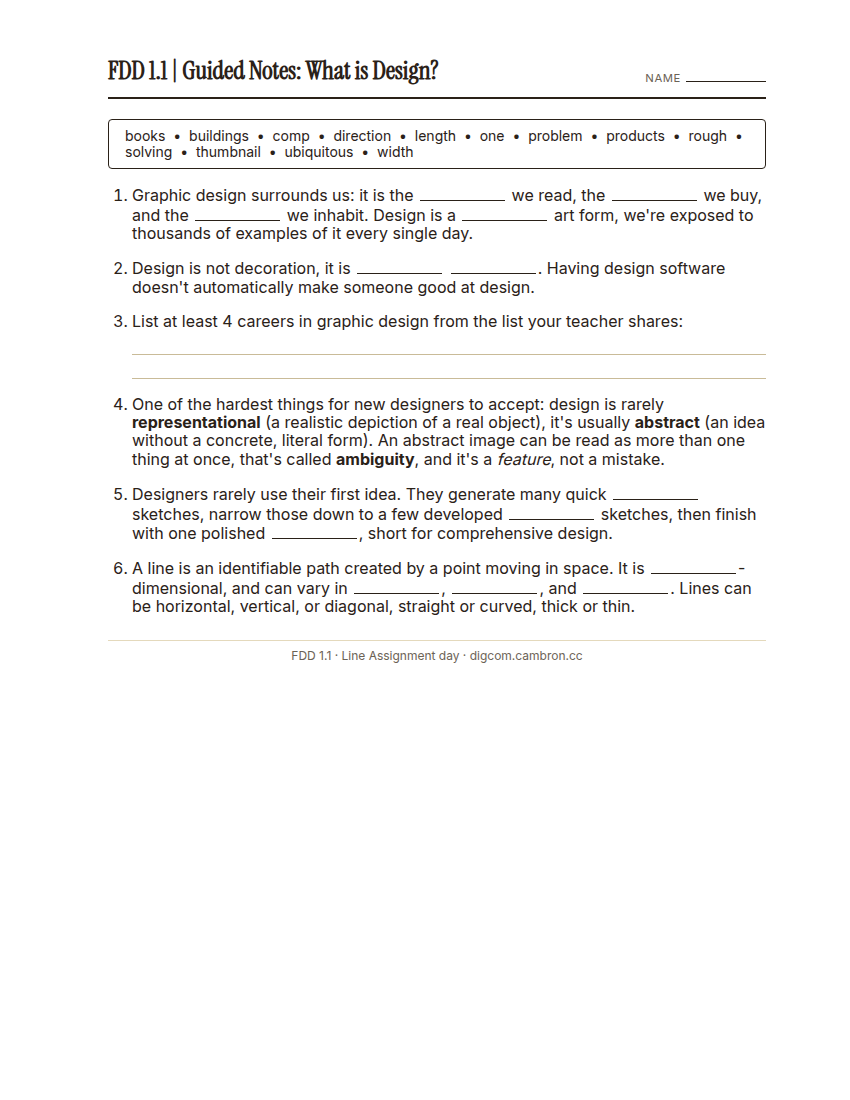
Complete the handout, three hole punch it, and keep it in your class binder.
⬇ Download Worksheet (PDF)Where and how do we encounter images in our world? What is graphic design? How is it distinct from art?
Part 2 | Line Assignment (~50 min)
Designers rarely use their first idea. They generate many quickly, evaluate them, and refine their best one. You’ll use that exact process (thumbnail → rough → comp) for the element of line.
“Trying is better than studying.” (Josef Albers, Bauhaus foundation-course teacher)
That’s the whole point of drawing 16 fast thumbnails instead of one careful one: you find out what works by making things, not by planning the perfect idea in your head first.
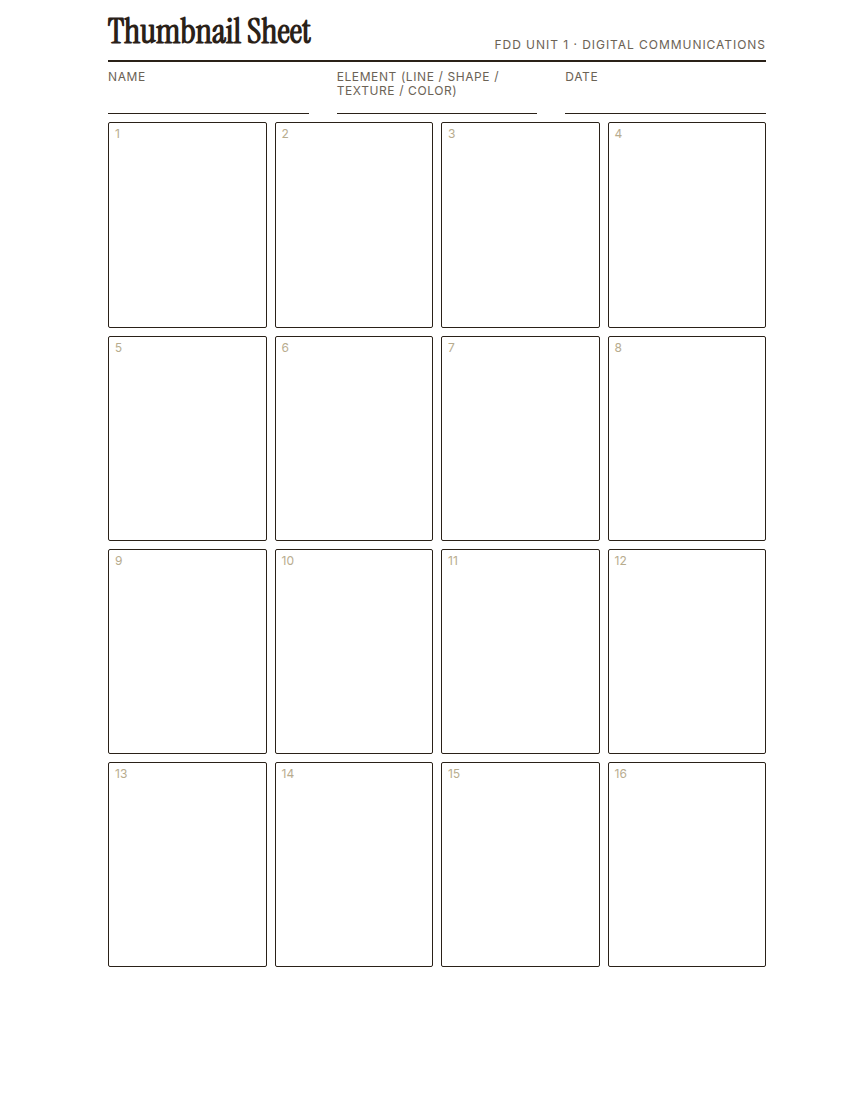
Complete the handout, three hole punch it, and keep it in your class binder.
⬇ Download Worksheet (PDF)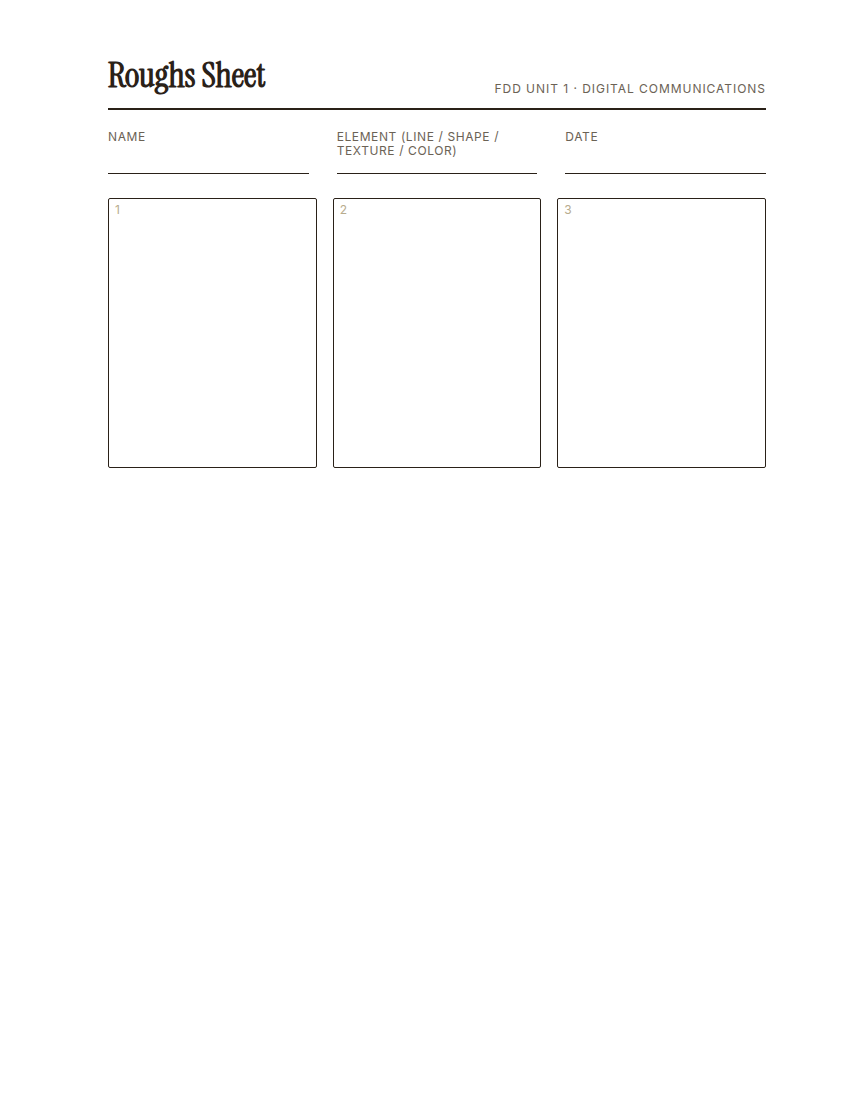
Complete the handout, three hole punch it, and keep it in your class binder.
⬇ Download Worksheet (PDF)- Thumbnails (~12 min): on your thumbnail sheet, draw 16 small thumbnail sketches, using nothing but line. Vary the thickness, direction, and spacing in each box. Experiment with as many different types of line as you can think of: thick, thin, wavy, dotted. Work fast. The goal is quantity of ideas, not a finished piece in every box.
- Select (~2 min): look over your 16 thumbnails and choose your 3 strongest. A strong idea might have interesting composition, movement, or contrast. There isn’t just one right answer.
- Roughs (~15 min): develop each of your 3 chosen thumbnails into a rough sketch. slower and more careful than a thumbnail, still in pencil.
- Select (~1 min): choose the single rough you think is strongest. Ask a neighbor if you’re not sure. A second opinion helps.
- Comp (~20 min): on a clean sheet of paper, develop your chosen rough into a final comprehensive design (“comp”): start in pencil, finish in black marker. This is the neatly-executed, best version of your idea.
Placing a clean sheet of paper between your hand and your work as you finish in marker keeps it from smudging.
Wrap-Up (~6 min)
Photograph your finished comp. You’ll need this photo as reference on the S | 1 project day, when you’ll try to recreate your strongest comp from the whole unit in Illustrator.
What makes your comp different from your first thumbnail? What changed between the two?
🗂 Organize: Put your guided notes, your 16 thumbnails, your 3 roughs, and your finished comp in your binder.
📤 Exit Ticket: Stoplight. In the discussion board below, let us know how you’re doing: G (green: I’ve got this, ready to move on), Y (yellow: I mostly get it, still have a question), or R (red: I’m stuck, I need help). Then explain your rating in at least 3 sentences (aim for 5): what specifically about today’s skill makes you feel that way, and, if you’re yellow or red, what your actual question is.
Stuck on how to start? Try: “I picked ___ because ___. Specifically, when I tried to ___, I ___. One thing that would help is ___.”