2.4 | Standards, Formats & Frame Rates
Key Terms
- Frame Rate
- How many individual still frames play per second to create the illusion of motion. 24fps for film, 30fps (29.97) for North American broadcast TV, 60fps for smooth motion/sports.
- Interlaced vs. Progressive Scan
- Interlaced video transmits a frame as two alternating half-frames (fields) of lines; progressive scan draws every line of a frame at once. Progressive is the modern standard.
- Standard Definition (480i)
- The original U.S. broadcast resolution. 640×480 pixels, interlaced, at 29.97 frames per second.
- High Definition (1080p)
- A 1920×1080 pixel image, progressive scan, at 29.97 frames per second. The U.S. broadcast HD standard.
- Codec
- Short for coder/decoder. The software that compresses video for storage/transmission and decompresses it again for playback or editing.
- H.264
- The most common lossy (interframe) codec, used for roughly 90% of video delivered today. Efficient file size, but not ideal for heavy re-editing.
- Apple ProRes
- A lossless, intraframe professional codec. Larger files than H.264, but every frame is stored independently, which makes it far better suited for editing and color work.
Every clip you’ll ever import has a frame rate, a resolution, and a codec baked in. And every sequence you build has to account for all three. Get this wrong and footage looks choppy, blurry, or simply won’t play back correctly.
Direct Instruction (~10 min)
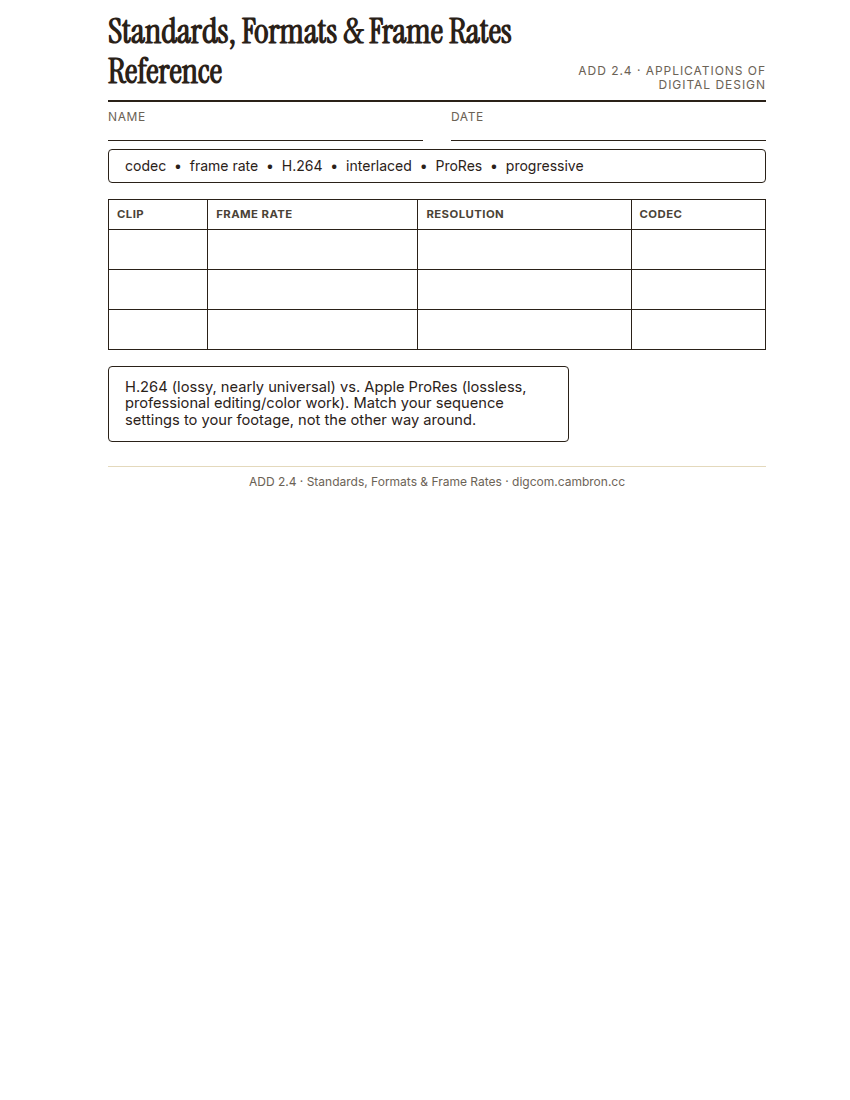
Complete the handout, three hole punch it, and keep it in your class binder.
⬇ Download Worksheet (PDF)“American broadcast television locked onto 29.97 frames per second because our electrical grid runs at 60 hertz. That historical accident is still why 30fps is the U.S. broadcast standard today, decades after the original reason stopped mattering technically.”
Walk through: frame rate (24/25/30/60fps and when each is used), interlaced vs. progressive scan, standard definition vs. high definition vs. 4K, and codecs. H.264 (lossy, nearly universal) vs. Apple ProRes (lossless, professional editing/color work).
Scaffolded questions. Cold-call through all three:
Recall: “What’s the difference between interlaced and progressive scan?”
Analysis: “Why would a professional editor choose to work in ProRes even though the files are much larger than H.264?”
Synthesis/Extension: “If a client hands you footage shot at three different frame rates, what problem does that create, and how would you solve it?”
Guided Practice | Format Matching (~23 min)
- Select each provided sample clip and open its Properties panel.
- Record the frame rate, resolution, and codec for each clip on your worksheet.
- Match each clip to the use case it’s best suited for (for example, “this 4K ProRes clip is meant for heavy color work,” “this 30fps H.264 clip is ready to deliver as-is”).
- Small-group report-out: each group reports their assigned clip’s specs to the class using today’s vocabulary.
If two students get different frame rates for the same clip, check that you’re both reading the Properties panel, not the sequence settings. They aren’t always the same.
Cold call check: you receive footage shot at 24fps but your sequence is set to 30fps. What actually happens on export if you don’t fix that mismatch first?
GMetrix/BrainBuffet (~30 min)
Finish Module 1, including its module-completion checkpoint, due this unit.
Exit Ticket / Wrap-Up (~5 min)
🗂 Organize: Put your Standards & Formats reference sheet and your completed format-matching worksheet in your binder.
📤 Exit Ticket: 3-2-1. On a scrap of paper, write in complete sentences, not a list of fragments: 3 sentences describing things you did or made today, 2 sentences naming techniques or tools you used and how, and 1 sentence asking a question you still have.
Stuck on how to start? Try: “Today I ___. I also ___. I used ___ to ___. I also used ___ to ___. I’m still wondering ___.”