1.4 | Film Form & Shot Vocabulary
Key Terms
- Close-Up (CU)
- A shot that fills the frame with a subject’s face (roughly chin to forehead) or a small object, emphasizing detail and emotion.
- Extreme Close-Up (ECU)
- A shot even tighter than a close-up, isolating one specific detail (an eye, a hand, a ticking watch) for maximum emphasis.
- Medium Close-Up (MCU)
- A shot framed from roughly the chest up. Closer than a medium shot but not as tight as a close-up. The standard framing for most interviews.
- Medium Shot (MS)
- A shot framed from roughly the waist up, showing enough body language to read gesture while keeping the face clearly visible.
- Wide Shot (WS)
- A shot that shows a subject’s full body along with a good amount of their surrounding environment.
- Long Shot (LS)
- A shot showing a subject at a distance, small within the frame, emphasizing their relationship to a larger environment.
- Extreme Long Shot (ELS)
- A very wide shot, often used to establish a location, where any subject is tiny compared to the surrounding environment.
- Over-the-Shoulder (OTS)
- A shot framed from behind one person’s shoulder, looking toward another person or subject. Common in dialogue scenes, showing both perspective and connection between two people.
- Point of View (POV)
- A shot that shows exactly what a character sees, placing the camera at their eye line so the audience shares their perspective directly.
- Cutaway
- A brief shot of something other than the main action, a reaction, a detail, a related image, inserted to add context, hide an edit, or control pacing.
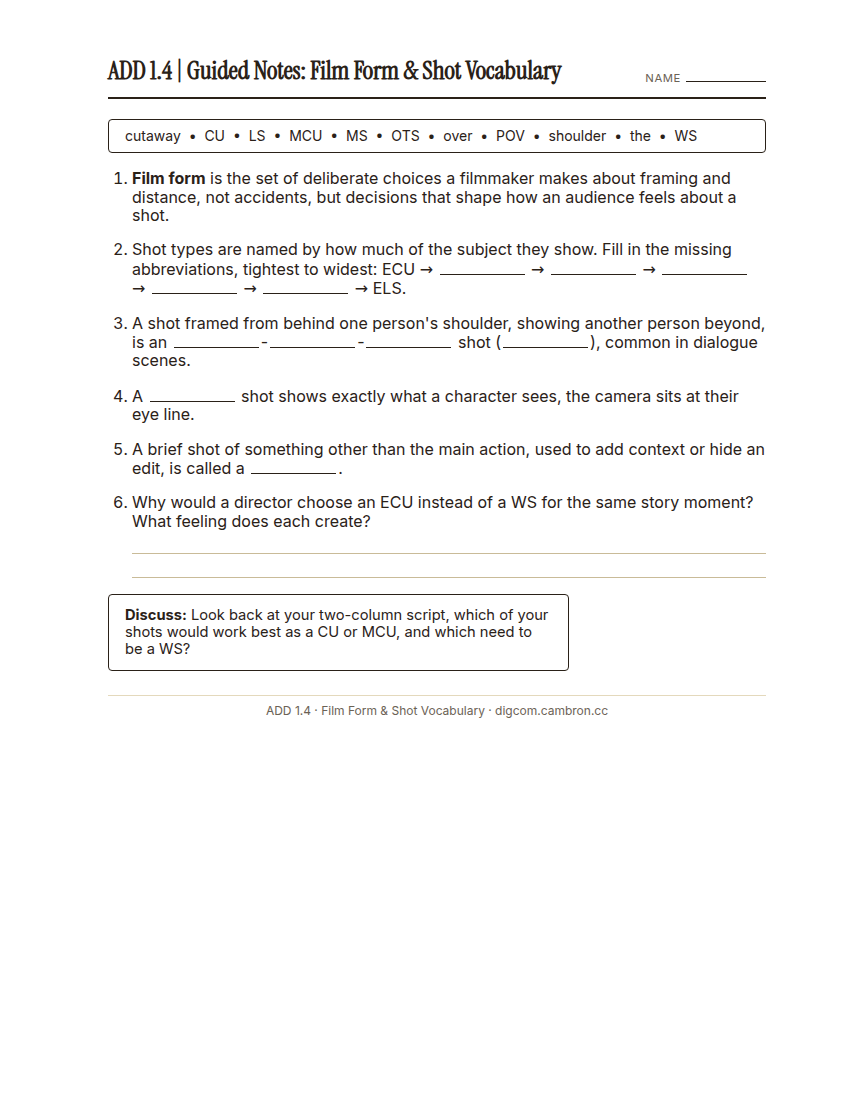
Film form is the set of deliberate choices a filmmaker makes about framing and distance. Not accidents, but decisions that shape how an audience feels about a shot. Today you’ll learn the standard shot-type vocabulary, then apply it directly to your own script from 1.3.
Part 1 | Guided Notes: Film Form & Shot Vocabulary (~12 min)
Complete the handout, three hole punch it, and keep it in your class binder.
⬇ Download Worksheet (PDF)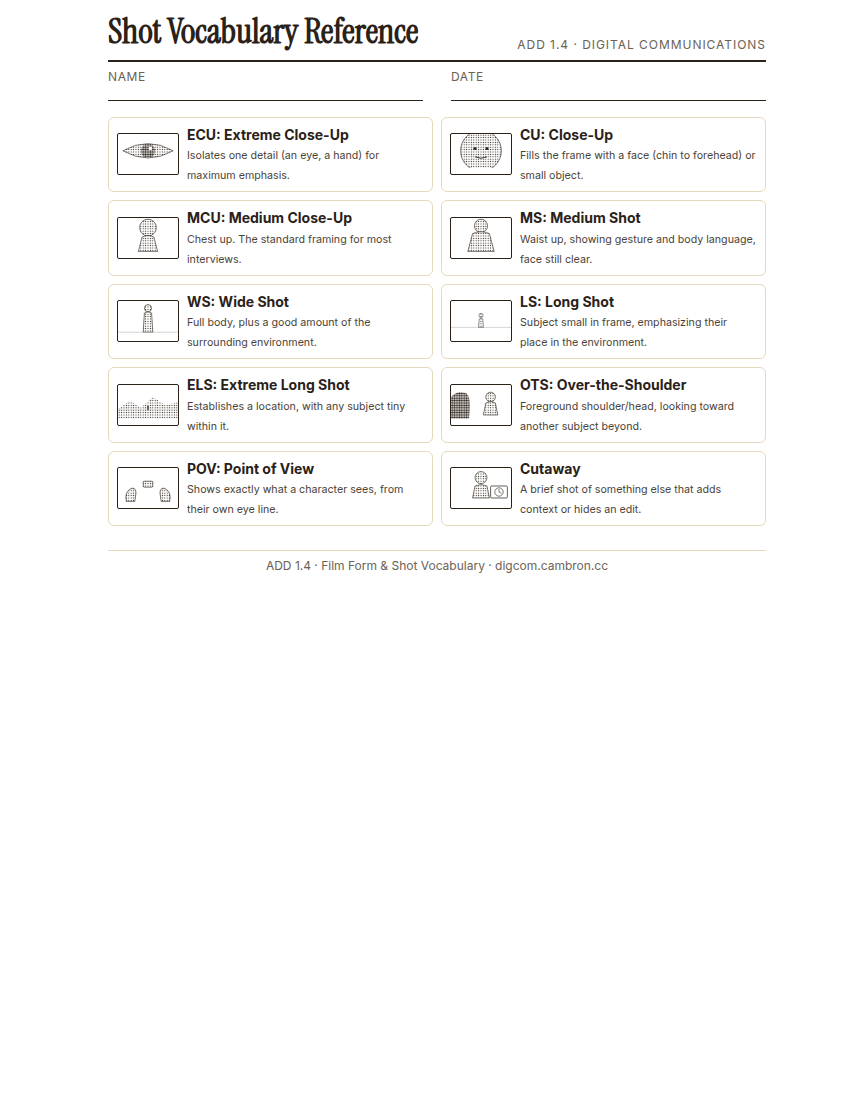
Complete the handout, three hole punch it, and keep it in your class binder.
⬇ Download Worksheet (PDF)Shot types are named by how much of the subject they show. From tightest to widest:
- ECU (Extreme Close-Up) → CU (Close-Up) → MCU (Medium Close-Up) → MS (Medium Shot) → WS (Wide Shot) → LS (Long Shot) → ELS (Extreme Long Shot)
Three more shots are defined by purpose, not distance:
- OTS (Over-the-Shoulder). Frames one person from behind another’s shoulder, common in dialogue.
- POV (Point of View). Shows exactly what a character sees, from their own eye line.
- Cutaway: a brief shot of something other than the main action, used for context or to hide an edit.
Why would a director choose an ECU instead of a WS for the same story moment? What feeling does each create?
Part 2 | Label Your Shot List (~48 min)
Complete the handout, three hole punch it, and keep it in your class binder.
⬇ Download Worksheet (PDF)- Turn-and-talk (~5 min): quiz a partner on shot-type abbreviations using the reference card. Cover the names and see who can name the abbreviation from the description, and back.
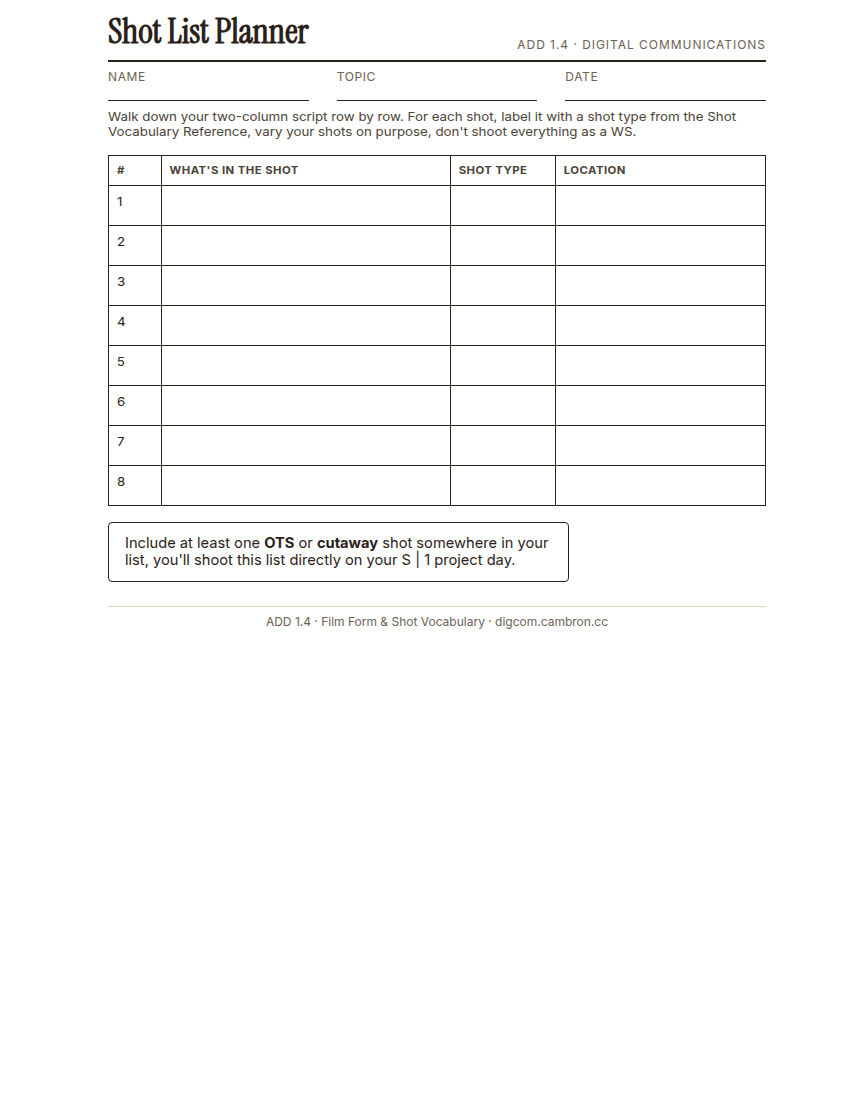
- Label (~35 min): walk down your two-column script from 1.3, row by row. For each shot, assign it a shot type from the reference card and note its location. Vary your shots on purpose. Don’t make everything a WS.
- Sanity-check (~8 min): trade shot lists with a neighbor. Does each labeled shot type make sense for what’s actually happening in that row of the script?
Include at least one OTS or cutaway shot somewhere in your list. You’ll shoot this list directly on your S | 1 project day.
Wrap-Up (~8 min)
Pick one shot from your list. Why did you choose that specific shot type, and what feeling is it meant to create?
🗂 Organize: Put your guided notes and your completed Shot List Planner in your binder.
📤 Exit Ticket: 3-2-1. On a scrap of paper, write in complete sentences, not a list of fragments: 3 sentences describing things you did or made today, 2 sentences naming techniques or tools you used and how, and 1 sentence asking a question you still have.
Stuck on how to start? Try: “Today I ___. I also ___. I used ___ to ___. I also used ___ to ___. I’m still wondering ___.”