12.1 | Talent & Location Documentation
Key Terms
- Continuity Photo
- A reference photograph of a cast member’s costume or a location’s setup, taken before filming so hair, wardrobe, and set dressing can be matched exactly if a scene is reshot or filmed out of order across multiple days.
- Visual Reference
- Any image (a film still, a painting, a photo) collected to help a team agree on a shared look, mood, or tone before shooting begins, without needing every idea spelled out in words.
- Mise-en-Scene
- Everything visible within the frame that was deliberately arranged. settings, props, costume, lighting, color, and the positioning of people and objects. French for “placing on stage.”
If your Short Film needed a reshoot next month, could your group match every costume and every location exactly? That’s the whole reason this documentation exists.
Direct Instruction (~10 min)
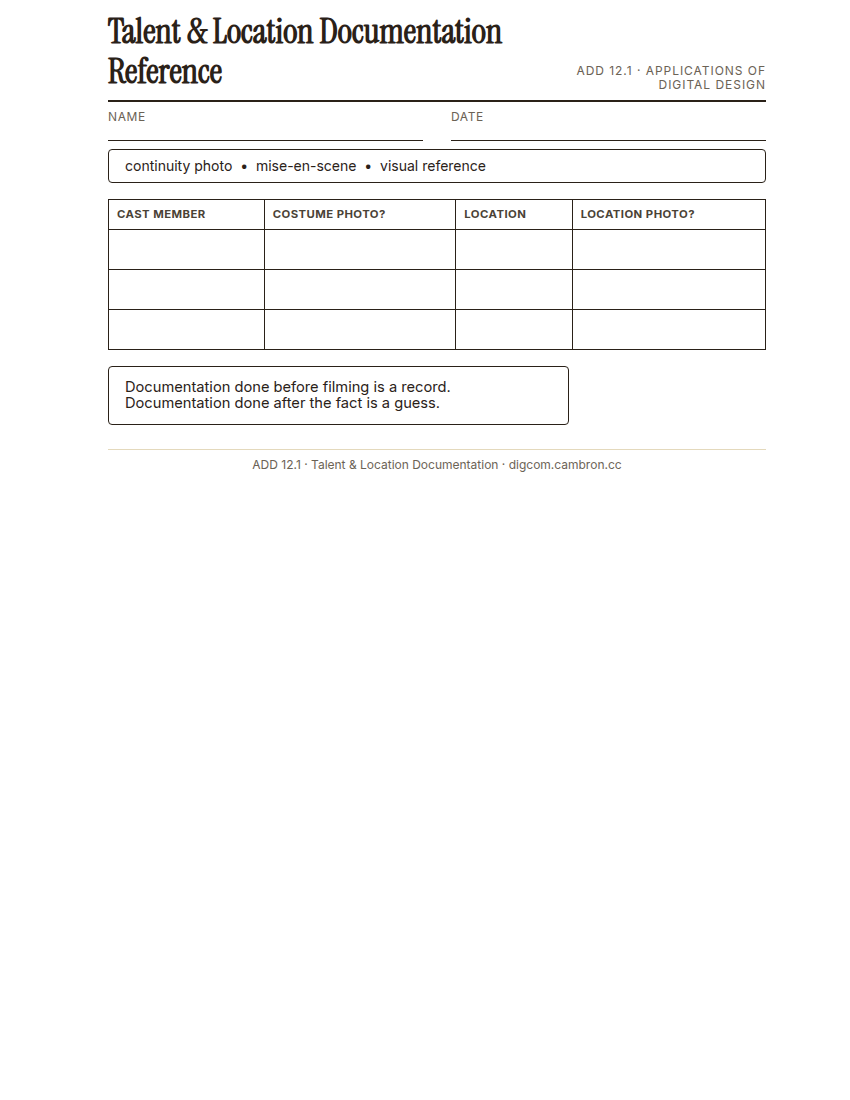
Complete the handout, three hole punch it, and keep it in your class binder.
⬇ Download Worksheet (PDF)A continuity photo captures a cast member in costume, or a location’s exact setup, before filming, so if a scene has to be reshot (a different day, a different week), everything can be matched precisely. A visual reference board collects images (film stills, photography, paintings) that helped the team agree on a shared look before a single frame was shot, useful documentation of why the film looks the way it does, not just what it looks like.
“Documentation done after the fact is a guess. Documentation done before filming is a record. The value is entirely in the timing.”
Scaffolded questions. Cold-call through all three:
Recall: “What’s the difference between a continuity photo and a visual reference image?”
Analysis: “Why would a production team bother photographing an empty location before anyone’s even arrived to shoot there?”
Synthesis/Extension: “A year from now, someone wants to remake your Short Film’s opening scene exactly. What in today’s documentation would help them most?”
Guided Practice (~23 min)
- Photograph each cast member in costume (or gather existing photos from Unit 7’s shoot).
- Photograph each key location used in the film.
- Build a visual reference board: 4-6 images that shaped the film’s actual visual style.
- Label everything clearly. which cast member, which location, which reference informed which creative choice.
What would be lost if this documentation didn’t exist and your group had to reshoot a scene next year?
Studio/Project Work Time (~30 min)
Organize today’s documentation into your Production Book’s Art section, ready to be printed and filed later this unit.
Exit Ticket / Wrap-Up (~5 min)
Save your file, then screenshot your organized documentation.
🗂 Organize: Put your guided notes in your binder. Save your continuity photos and visual reference board in the Documents folder of your Digital Design project folder on Google Drive.
📤 Exit Ticket: Stoplight. In the discussion board below, let us know how you’re doing: G (green: I’ve got this, ready to move on), Y (yellow: I mostly get it, still have a question), or R (red: I’m stuck, I need help). Then explain your rating in at least 3 sentences (aim for 5): what specifically about today’s skill makes you feel that way, and, if you’re yellow or red, what your actual question is.
Stuck on how to start? Try: “I picked ___ because ___. Specifically, when I tried to ___, I ___. One thing that would help is ___.”